
Introduction
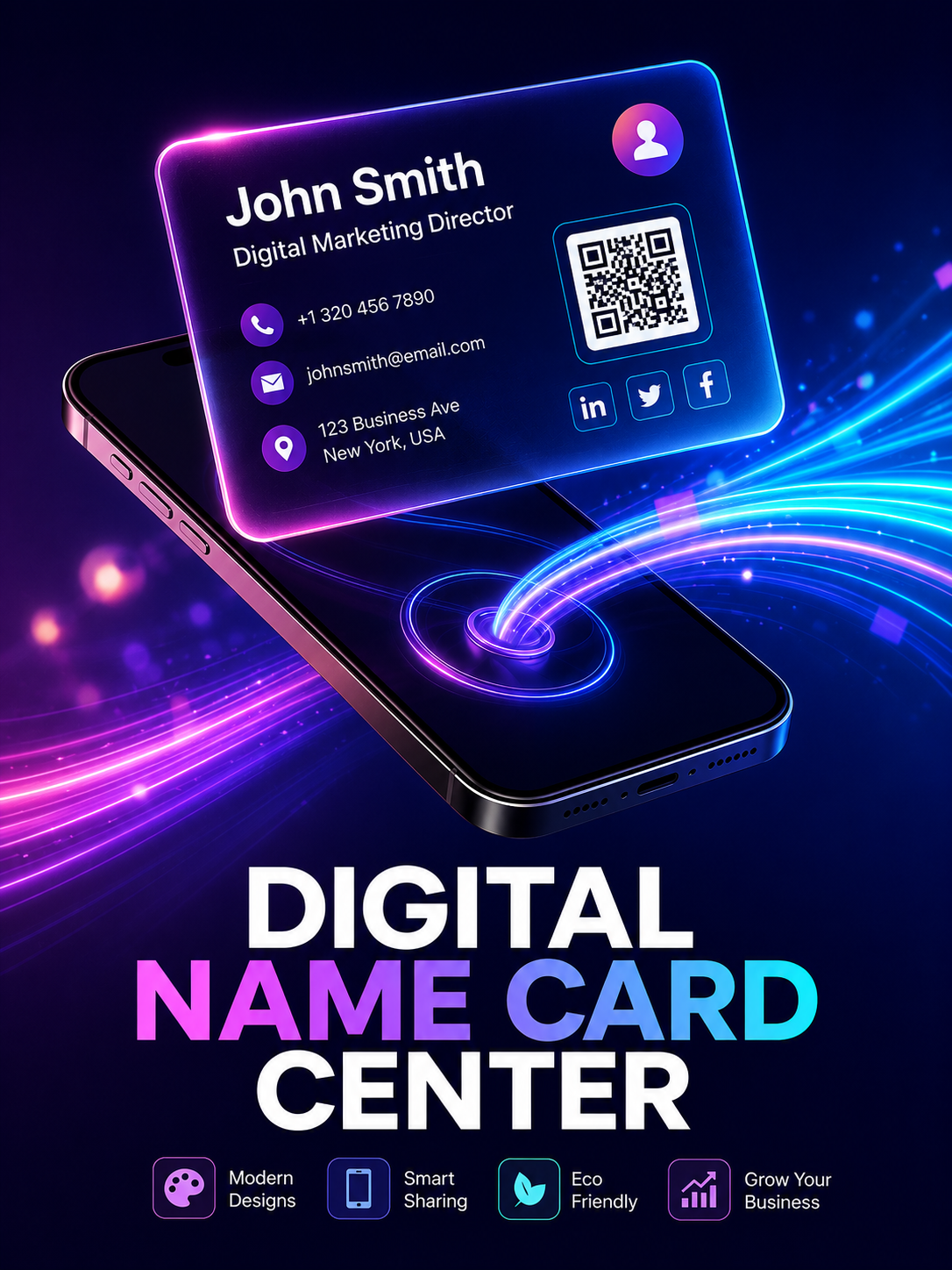
Imagine attending a networking event where every conversation could become your next business opportunity. After an excellent discussion, it is finally time to exchange contact details. Instead of handing over a traditional paper business card that may eventually be misplaced or forgotten, you simply display a QR code or share a digital link. Within seconds, your complete professional profile, website, social media accounts, portfolio and contact information are saved directly to the other person's device.
This simple change makes networking faster, smarter and significantly more effective. Digital business cards eliminate the limitations of printed cards while providing a modern experience that today's professionals expect.
What Actually Changes When You Go Digital?
It is easy to assume an electronic business card is just a static image of your old paper card uploaded online. It isn't. A scannable business card acts more like a mini-ecosystem — a live hub that tells people exactly who you are, what you build, and why they should care.
When someone scans a digital name card QR code on your phone screen, they aren't just getting a name and a phone number. They instantly access your LinkedIn profile, portfolio, calendar booking link, and latest product video.
A digital business card is a live business profile that helps people discover who you are, what you do, and how they can connect with you instantly.
Not many people realize this: the real magic happens after the initial handshake. If you change your phone number, switch your email, or get promoted next month, you don't need to look for a business card designer or wait for next-day business cards to arrive. Log into your business card dashboard, tweak the text, and it's updated everywhere. Globally. Instantly.
Contact Information
Share your mobile number, email, address, and website instantly.
Website & Portfolio
Showcase your company, portfolio, services, and achievements with one tap.
Social Profiles
Connect through LinkedIn, Facebook, Instagram, WhatsApp, and other platforms.
Appointment Booking
Let clients schedule meetings directly from your digital profile.
Videos & Media
Display promotional videos, product demos, and company presentations.
One-Tap Contact Save
Visitors instantly save your contact info without manual typing.
The Anatomy of a High-Converting Virtual Name Card
Not all virtual name card profiles are created equal. Some look like chaotic 90s personal homepages. Others are so bare they tell you absolutely nothing.
To make it work for global business owners, consultants, and corporate teams, a professional business card layout needs a few critical, high-converting elements.
The One-Tap Save
If the person reading your card has to manually type your phone number, you've lost them. The contact file (VCF) should download directly into their address book with a single click.
Contextual Call-to-Actions
Don't just link your homepage. Direct visitors to the page that matters most — booking calendar, portfolio, case studies, or product page.
Clean, Human Visuals
Even on a screen, first impressions matter. Use high-quality images, clean typography, balanced spacing, and a professional layout to build trust instantly.
Paper vs. Pixels: A Reality Check
Let's look at how the traditional print approach stacks up against modern digital business cards.
| Feature | Paper Name Card Printing | Modern Digital Biz Card |
|---|---|---|
| Setup Speed | Waiting for shipping | Instant activation |
| Editing Data | Requires a total reprint | Free, real-time updates |
| Analytics | Zero tracking | Tracks clicks and views |
| Media Support | Text and static images | Videos, links, calendar booking, PDFs |
| Cost Over Time | Recurring print costs | One-time setup or affordable subscription |
Traditional printed cards still have value for premium meetings, exhibitions, and luxury branding. Combining a printed card with a QR code that links to your digital business card creates the perfect hybrid networking solution.
How to Choose the Right Digital Business Card
If you're looking to transition your team, don't just grab the first free tool you find online.
Here's a quick checklist to guide your decision:
Custom Branding
Can you use your own brand colors, corporate logo, and custom domain?
Bulk Management
If you have a team of 50, can you update everyone's templates centrally?
CRM Integrations
Does the card connect to tools like HubSpot or Salesforce to log new leads automatically?
Offline Capability
Does the QR code work perfectly even when your cellular data is patchy?
💡 Expert Tip
When setting up your profile photo on a smart business card, treat it like a premium magazine headshot. Use soft warm lighting, keep the background clean, and ensure your face occupies roughly 60% of the frame. First impressions matter just as much behind a screen.
Frequently Asked Questions
No. The beauty of a modern virtual name card is that it opens directly inside any standard mobile web browser. The recipient doesn't need to install a single thing to view or save your information.
Absolutely. Download your QR code as an image and set it as your virtual meeting background. Anyone on the call can hold their phone up to their desktop screen to connect with you.
Yes, because you control exactly what goes on it. Unlike public directories, your electronic business card only shares the specific contact details, portfolios, and social links you choose to make public.
The best digital business card platforms allow you to map your profile to a custom URL (like cards.yourbrand.com). This builds massive trust and keeps your branding seamless.
Simply update your details inside your dashboard. Anyone who opens your QR code link or views your saved profile will automatically see the corrected, live details — no resending required.
Yes. Most business platforms offer real-time analytics — how many times your card was viewed, which links were clicked most often, and where your connections happen.
Next Steps for Your Brand
Networking has shifted. It is no longer about how many pieces of paper you can hand out — it is about how easily you can make yourself remembered and reachable. Explore our latest features or view our tailored pricing options over at SG Name Card.